Home / User Guide / Advanced Settings / Exclusion
Exclusion
This section allows you to add registry entries you wish to exclude from scanning.
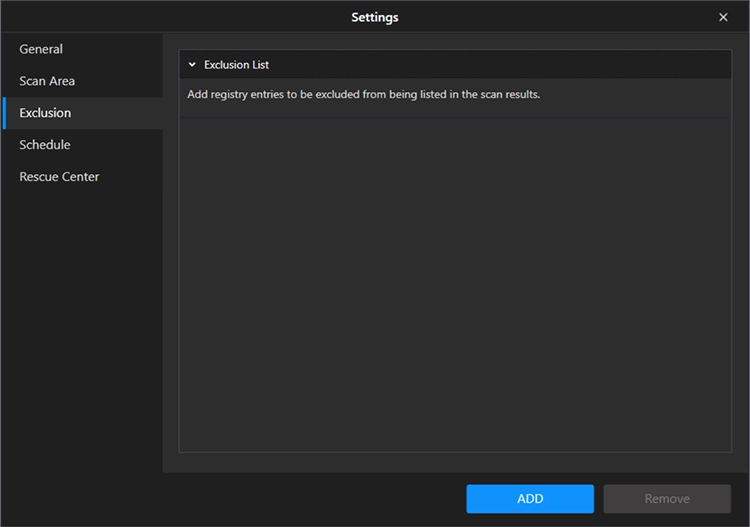
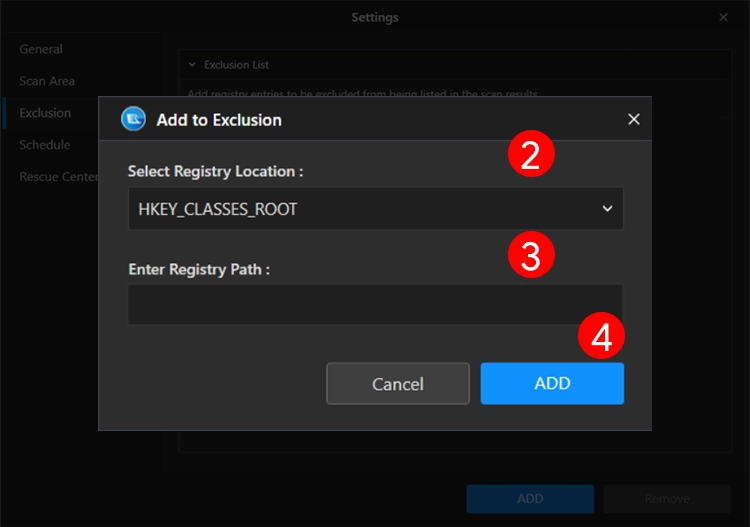
Click the Add button > select registry location > enter the registry path and click Add.
The selected registry will not be scanned when you run the scan for an invalid registry entry.
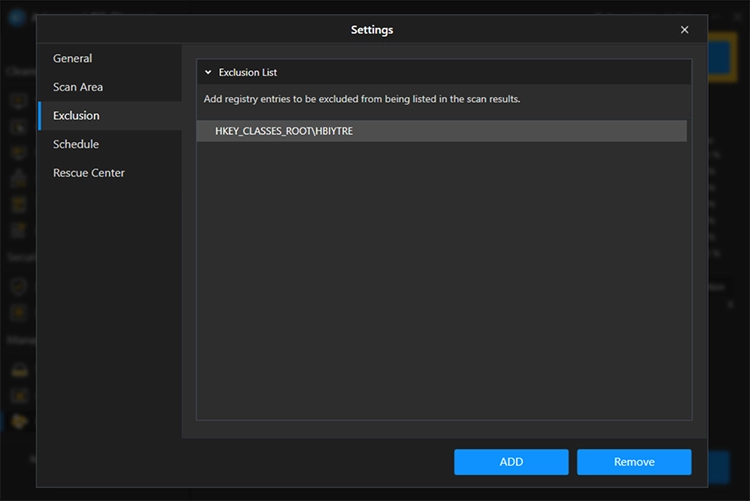
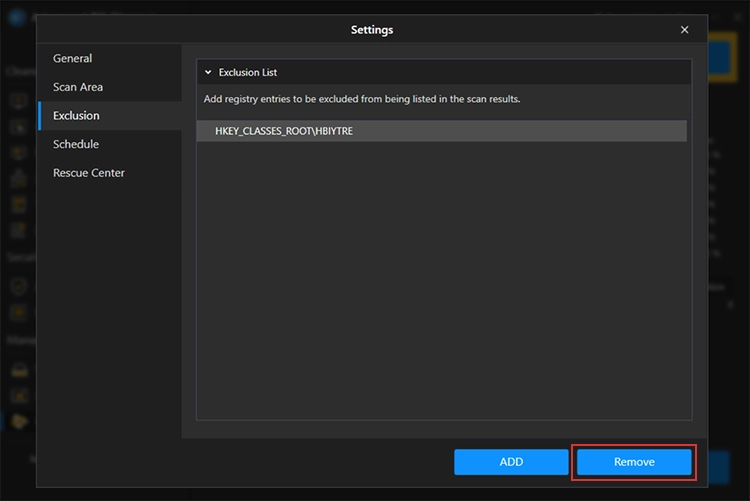
To remove it, select the entry and click the Remove button.