APC Logo
  • Home
  • Features
  • Buy Now
  • Faq's
  • User Guide
  • Contact Us
Download
  • Introduction
  • User Interface
  • Installation Guide
    • System Requirements
    • Download And Install
    • Purchase Advanced PC Cleanup
    • Register Advanced PC Cleanup
  • Product Features
    • One Click Care
    • Driver Updater
    • Junk Cleaner
    • Temporary Files
    • Invalid Registry
    • Malware Protection
    • Identity Protection
    • Space Manager
    • App Manager
    • Disk Analyzer
  • Advanced Settings
    • Settings and Customization
    • Scan Area
    • Exclusion
    • Schedule
  • General FAQs

Home / User Guide / Product Features / One Click Care

One Click Care

Advanced PC Cleanup for Windows offers the One Click Care feature to detect and update outdated drivers, clean junk and temporary files, fix invalid registry entries, remove malware, and secure personal information all at once.

This helps save time and achieve an optimized PC quickly.

How To Run One Click Care?

To run One Click Care, follow these steps:

1. Launch Advanced PC Cleanup.
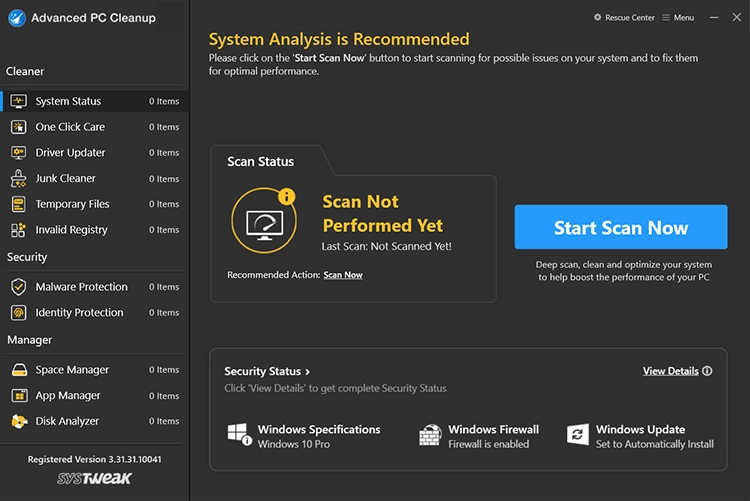
Launch Advanced PC Cleanup

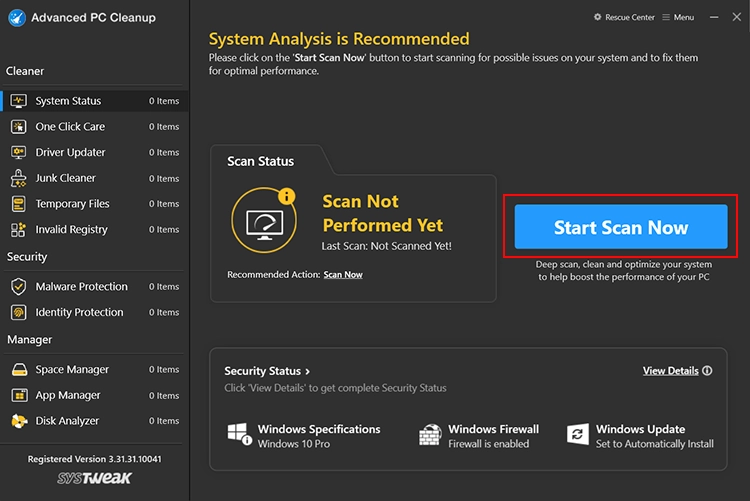
2. Click the Start Scan Now button.

Click the Start Scan Now button.

Wait for the tool to analyze the PC and show the detected errors.
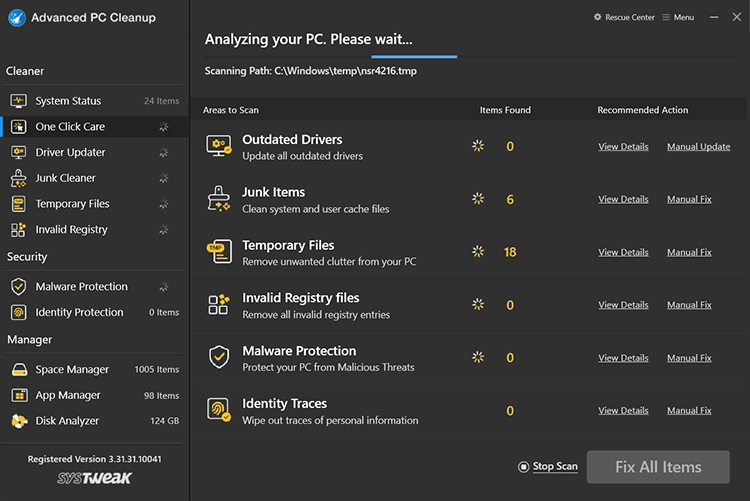
Show the detected errors.

Once you have the scan results, click Fix All Items to fix all the errors detected.
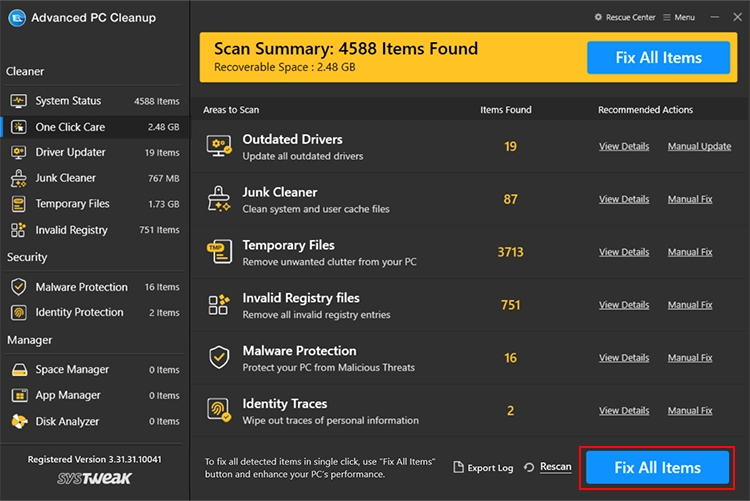
Show the detected errors.

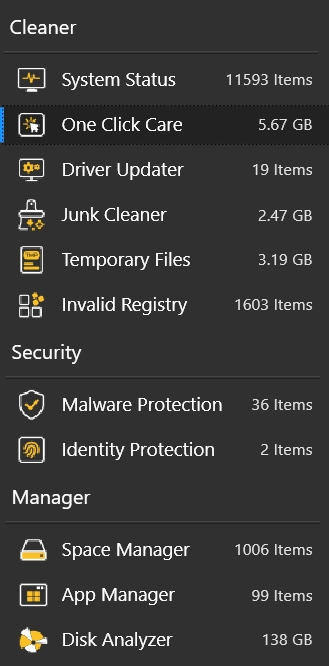
Note- If you want to clean each area individually, you can select the modules from the left pane, see the details of the detected errors, and clean them individually.

You can stop the scanning process by using the Stop Scan button. However, we do not recommend stopping the scan. Moreover, if you do not fix the errors after running a scan through the One Click Care option when you click these modules individually, you will see the details of the scan performed. To clean them, click the Fix All Items button.
Clean Now

  • Features
  • Contact Us
  • EULA
  • Terms of use
  • Privacy Policy
  • Refund Policy
  • Uninstall Instructions
Copyright © Systweak Software, 1999- All rights reserved.

Microsoft and Windows are trademarks owned by Microsoft Corporation. Systweak Software is not affiliated, associated, authorized, endorsed by, or in any way officially connected with Microsoft or Windows in any manner. Mac and OSX are trademarks owned by Apple Inc. all across the US and other countries. Other trademarks also belong to their respective owners.