Home / User Guide / Product Features / Settings and Customization
Settings and Customization
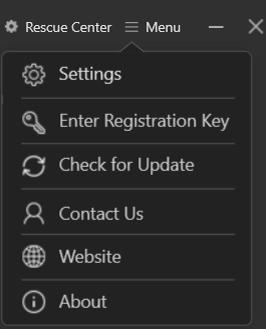
To access product settings and make changes, click the three horizontal lines and select the Settings option.
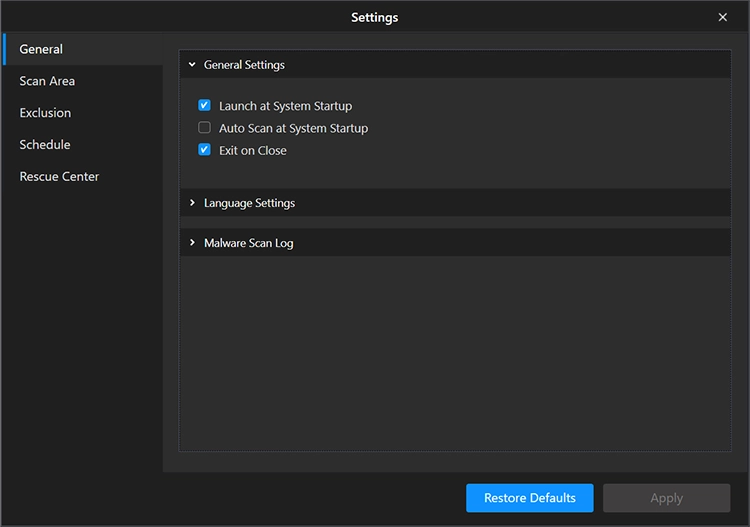
General Settings - From here, you can customize the default settings of Advanced PC Cleanup like -
Launch at System Startup - Check this option; it will run Advanced PC Cleanup at boot time.
Auto Scan at System Startup - this setting allows Advanced PC Cleanup to scan the system at each startup
Exit on Close - this setting closes the application completely when you click the X.
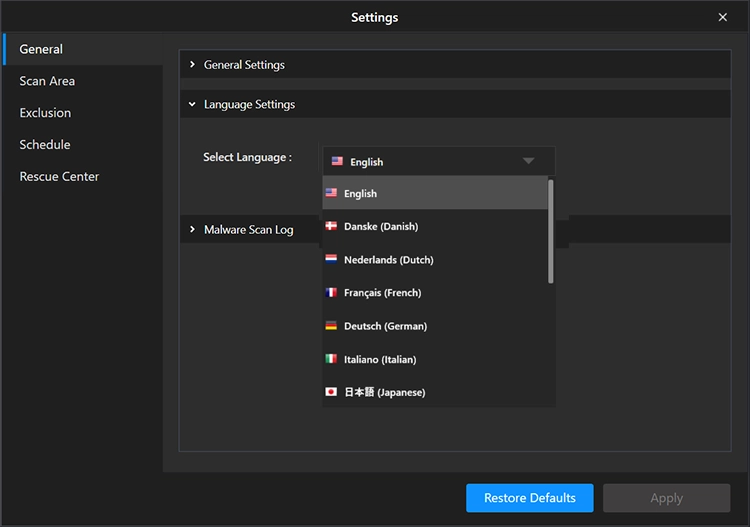
Language Settings—From here, you can change the product language. At present it is available only in English.
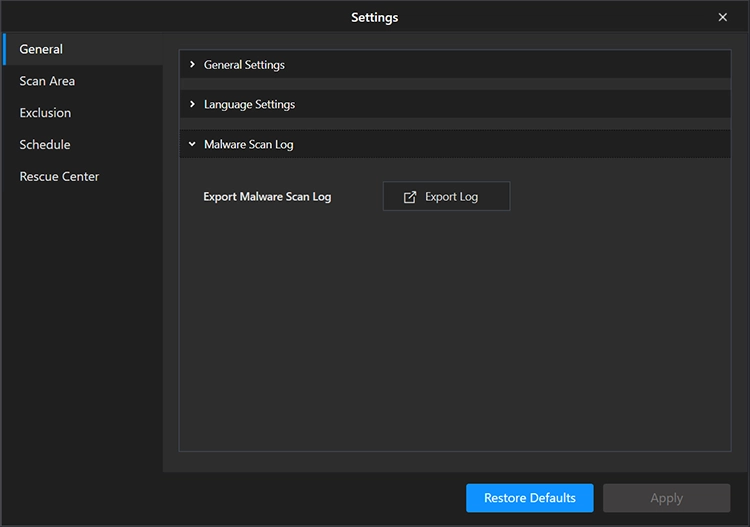
Malware Scan Log—If you want us to analyze the malware scan results, use this section to Export the Log and share it with us.